genhttp/lambda
A self-hosted platform for the apps your coding agent builds.
1.9K
genhttp/lambda repository overview
GenHTTP Lambda

A self-hosted platform for the apps your coding agent builds.
Coding agents such as Claude Code, Codex and Cursor can write a small web app in minutes. Deploying it usually takes far longer: a container, a port, a reverse proxy entry, a database and backups, repeated for every new app. GenHTTP Lambda gives these apps a single home on your own server. Once your agent is connected, every app it builds is online at its own address within seconds, with a database, a version history and rollback. You operate one container.
Documentation
community.genhttp.run/docs covers everything you need to run and use GenHTTP Lambda:
- Quick start - from an empty server to an app online in five minutes
- Concepts - apps and keys, versions, drafts, data, tiers and connectivity
- Connect an agent - Claude Code, Cursor, VS Code and any MCP client, plus git and the REST API
- The editor - looking after an app: its history, drafts, records, keys and visitors
- Running a server - configuration, HTTPS and domains, the admin panel, security, backups, PostgreSQL and the build agent
- Extending - a host of your own and integrations for where data is kept
Quick start
docker run -d -p 8080:8080 -v lambda-data:/data -e LAMBDA_ADMIN_TOKEN=secure-password genhttp/lambda
claude mcp add --transport http genhttp http://localhost:8080/mcp
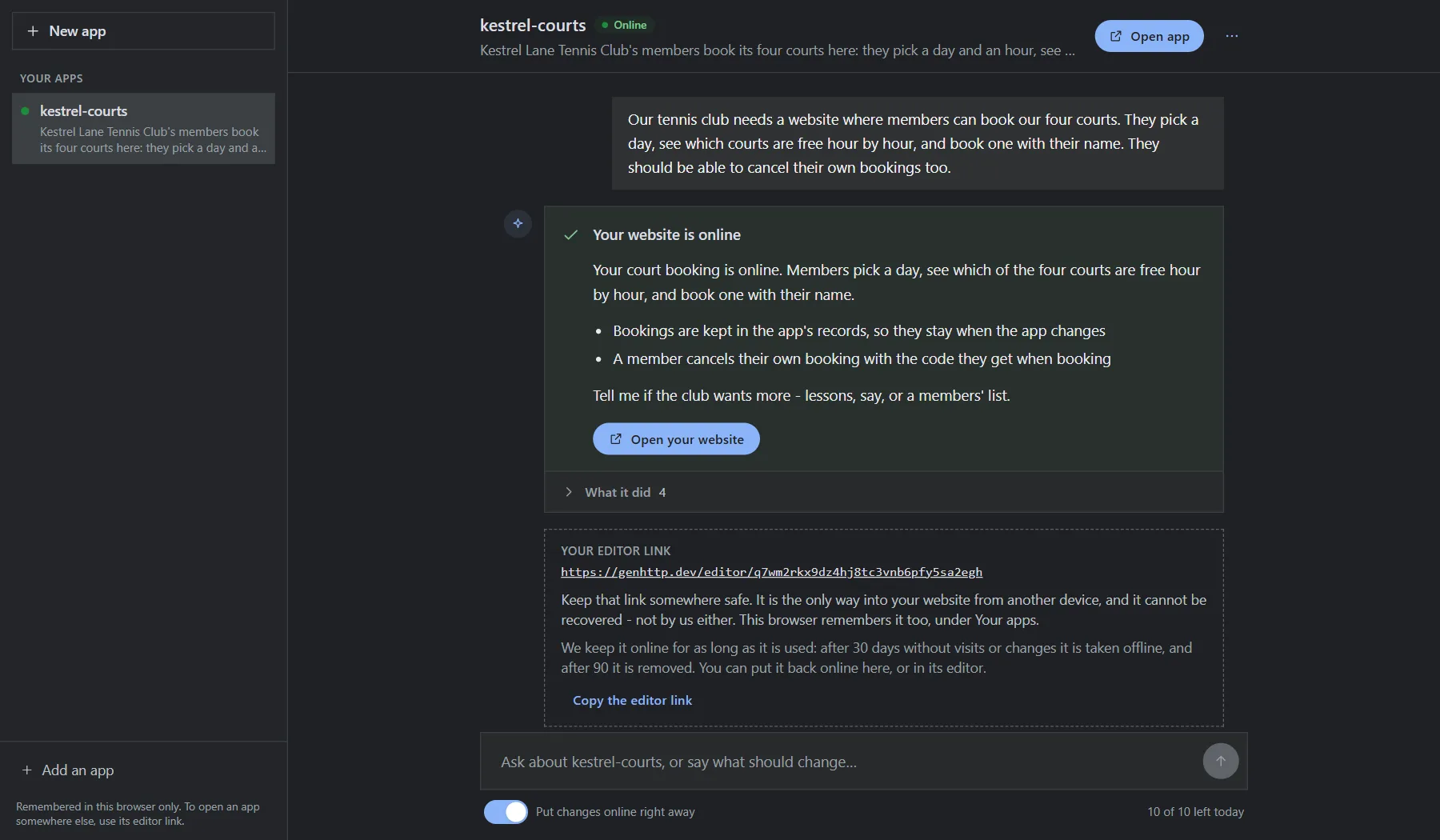
Then ask your agent for an app - "Build a shared task list for the team" - and it answers with the app's address and its editor link. Other agents, a public address with HTTPS and everything else are in the documentation.
Why GenHTTP Lambda
- A single container. No database server, Redis, message queue or Kubernetes is required. The server, all apps and their data run in one container and are stored in one volume, so a backup is a copy of that volume.
- Hundreds of apps per installation. All apps run in the same process, each at its own address, without a separate container, port, proxy entry or database server. genhttp.dev, which runs the same code, hosts more than a hundred apps this way.
- Deployment is handled by your agent. Any agent that supports MCP can create an app, write and check its code, test a change on a copy, publish it and read its logs, without you having to open a terminal.
- You stay in control. Every app has an editor that shows what changed and why, restores any earlier version in one click, and gives you access to its records, its visitors and its code.
GenHTTP Lambda is designed for small tools that often go unhosted because deploying them takes more effort than writing them: in a company, the tools that replace a shared spreadsheet - an inventory, an on-call planner, a tracker for requests; at home, the pieces around your home automation - a dashboard for your sensors, a webhook receiver, a small API for your scripts.
Every app is a small C# program, a GenHTTP handler, which the server compiles and starts within seconds - written by your agent, and yours to read, change, clone with git or download as an ordinary .NET project:
return Inline.Create()
             .Get(() => "Hello from my app!");
Good to know
- Apps run inside the server's process. Their code is checked before it runs, but this is not a sandbox: host apps of people you trust, and read Security before others build on your installation.
- Telemetry. The community edition sends a usage report once a day -
counts and switches, never anything about an app or a person.
LAMBDA_USAGE_REPORTS=falseturns it off; docs/telemetry.md lists what a report contains.
License
MIT.
Tag summary
Content type
Image
Digest
sha256:f7ac0fd9d…
Size
120.3 MB
Last updated
about 9 hours ago
docker pull genhttp/lambda